-
-
 1 × $22.00
 -
 4 × $39.00
 -
 6 × $175.00
 -
-
 1 × $2.00
 -
-

-
 2 × $21.00
 -

-
-
-

-
 5 × $350.00
 -
 1 × $37.00
 -

-
 2 × $375.00
 -
 3 × $61.00
 -

-
 4 × $99.00
 -
-

-
 Universal JT18P Active Stylus Pen – Rechargeable Precision Touch for iPad, Samsung & Android Tablets1 × $13.00
 -

-

-
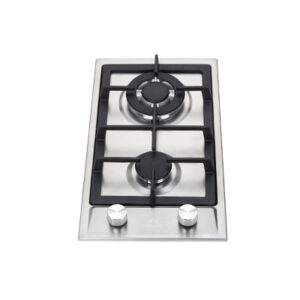 1 × $135.00
 -
 1 × $22.00
 -
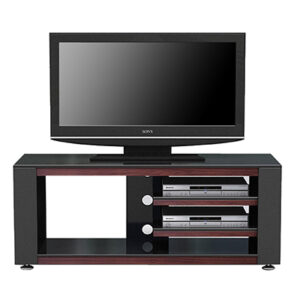 4 × $260.00
 -

-
 Smartphone Camera Mirror Reflection Clip Phone Selfie Reflector Tool Universal Adjustable Reflection1 × $5.00
 -

-

-
 1 × $50.00
 -

-
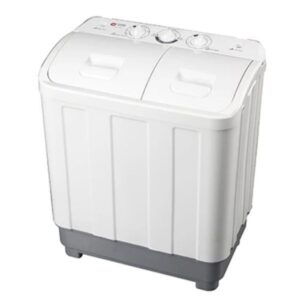 2 × $120.00
 -
 1 × $20.00
 -
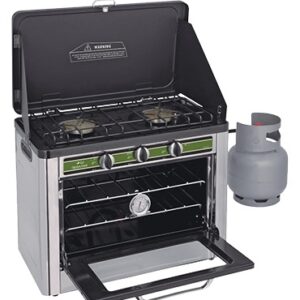 4 × $215.00
 -
-
 1 × $6.00
 -

-

-

-
 3 × $10.00
 -
-
-

-

-
 2 × $155.00
 -

-
 2 × $61.00
 -
-
-

-
-


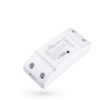
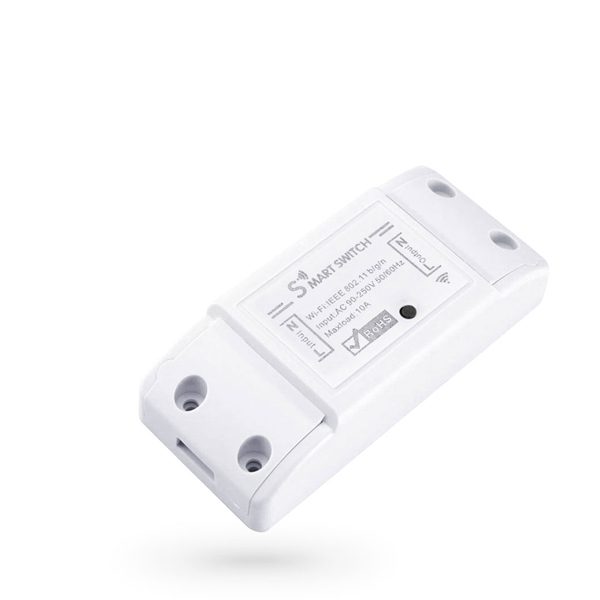
Smart switch No brand PST-WF-S1, 1 Channel, 220V, 10A
Roll over image to zoom in
$9.00$12.00 (-25%)
- Operating voltage – AC 100-240V
- Max current – 10A
- Working temperature – -20°C – +50°C
- Connectivity – WiFi 2.4Ghz, 802.11b/g/n
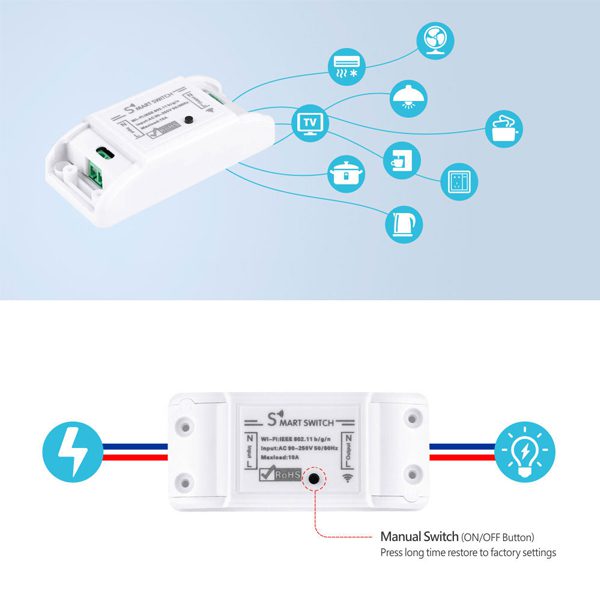
- Power On/Off button
- Color – White
- Smart wireless power switch
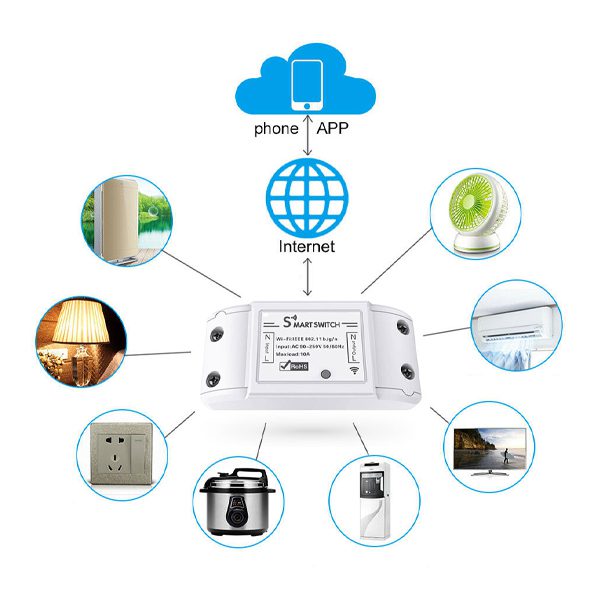
- Remote control control via “Tuya Smart” or “Smart Home” mobile application.
- Possibility to turn on/off the power of the device connected.
- Possibility to create automation, according to preset parameters, both independently and with other smart devices.
- Characteristics
- Operating voltage – AC 100-240V
- Max current – 10A
- Working temperature – -20°C – +50°C
- Connectivity – WiFi 2.4Ghz, 802.11b/g/n
- Power On/Off button
- Color – White
- Adding the device to “Tuya Smart” or “Smart Home” application:
- 1. Connect the device to the mains supply.
- 2. Hold the Power ON/OFF button on the device for 5/6 seconds
- 3. When the LED indicator flashes rapidly your device is ready to pair.
- (In case the LED blinks slowly, repeat step 2.)
- 4. Start the “Tuya Smart” or “Smart Life” application.
- 5. From the top right corner, select “+” followed by “Add device”.
- 6. Automatic device discovery process starts.
- 7. When the device is discovered, select “Add”.
- 8. Enter the name and password of the wireless network to which the device will be connected.
- 9. A pairing process has been initiated.
- 10. After successful pairing, your device is ready to use.
- Tuya Smart is an application to control smart products via mobile devices such as smartphones or tablets.
- The TuyaSmart app is available for both iOS and Android operating systems.
- Remotely control home appliances from anywhere.
- Add and control multiple devices at once with one App.
- Voice control via Amazon Echo and Google Home.
- Interworking of multiple smart devices.
- Devices automatically start/stop working based on temperature, location and time.
- Easily share devices among family members.
- Receive real-time alerts to ensure safety.